Microsoft Excel Course

- Description
- FAQ
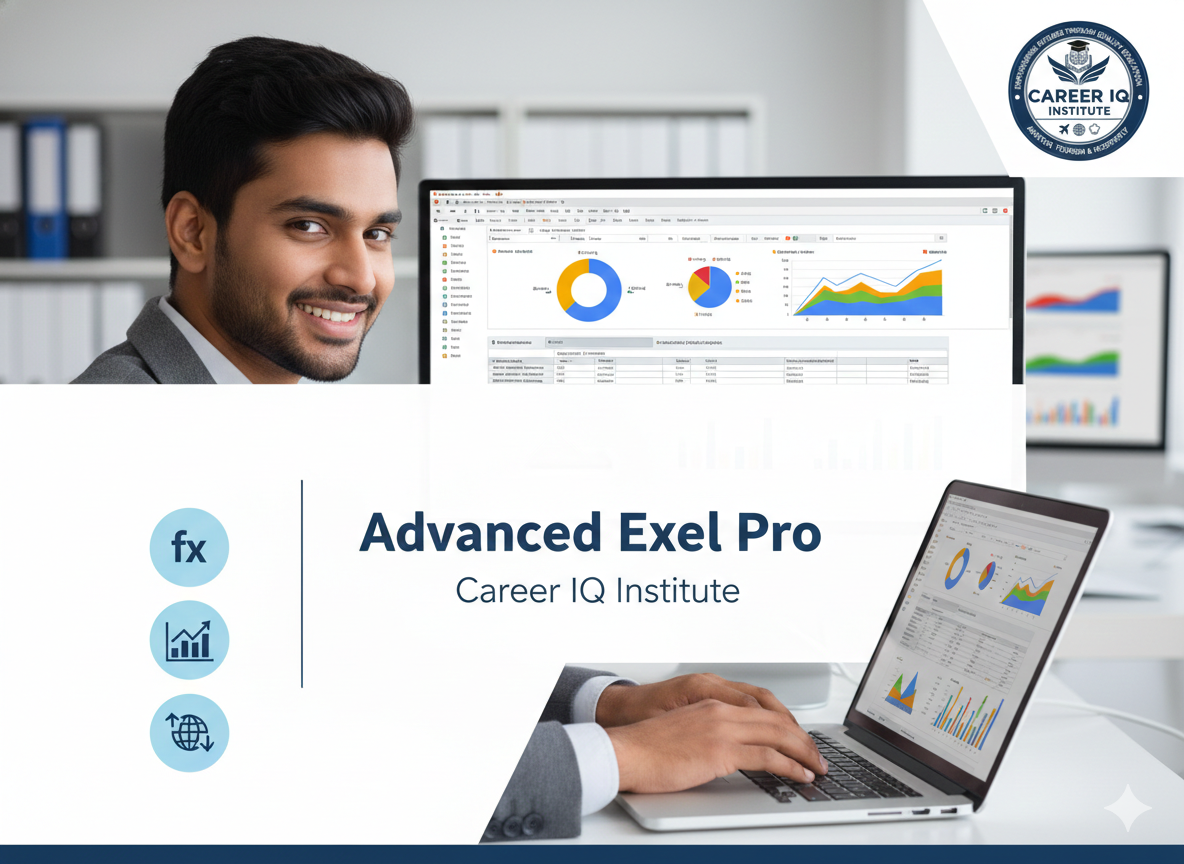
The Excel Course is designed to equip students and working professionals with practical skills to efficiently manage, analyze, and present data using Microsoft Excel. This course covers both basic and advanced Excel concepts, making it suitable for beginners as well as those looking to enhance their data-handling abilities.
Participants will learn essential Excel functions such as data entry, formatting, formulas, and functions, along with advanced tools including VLOOKUP/XLOOKUP, IF statements, Pivot Tables, Charts, Conditional Formatting, and Data Validation. The course also introduces automation using basic macros and real-world business scenarios for hands-on practice.
This Excel course focuses on real-time applications used in offices, finance, HR, sales, operations, and data management roles. By the end of the program, learners will be able to analyze large datasets, create dynamic reports and dashboards, improve productivity, and make data-driven decisions with confidence.
Whether you are a student, job seeker, or working professional, this course provides a strong foundation in Excel with practical training that enhances employability and workplace efficiency.