Computer Fundamentals & Basic IT Course: Complete Guide for Beginners

Computer Fundamentals & Basic IT Course: Complete Guide for Beginners

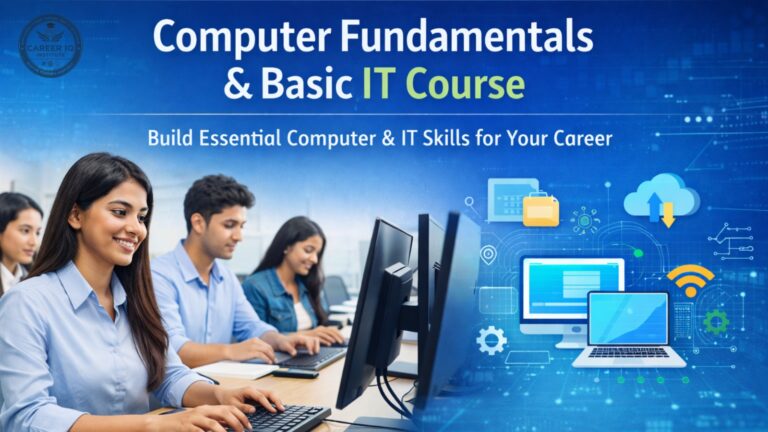
In today’s digital world, Computer Fundamentals & Basic IT skills are no longer optional—they are essential. Whether you are a student, job seeker, business professional, or beginner, having strong basic computer knowledge helps you succeed in almost every field. From using a computer confidently to working with MS Office, Internet, Email, Advanced Excel, and Digital Tools, basic IT education forms the foundation of a successful career.

This blog explains everything about Computer Fundamentals & Basic IT courses, including syllabus, skills, career scope, and why learning basic computer applications is important in 2026 and beyond.

🧠 What is Computer Fundamentals & Basic IT?

Computer Fundamentals & Basic IT refers to the introductory knowledge and practical skills required to use computers and digital technology efficiently. This course focuses on understanding computer hardware, software, operating systems, and commonly used applications.

It is designed for beginners with no prior computer knowledge and helps learners become digitally literate and job-ready.

📘 What Will You Learn in a Basic Computer Course?

A Basic Computer Course combines theory with practical training, ensuring learners can use computers confidently in daily life and at work.

Core Learning Areas:
  • Understanding computer components (CPU, memory, storage, input & output devices)

  • Basics of operating systems (Windows)

  • File and folder management

  • Keyboard and mouse usage

  • Typing skills (English & Hindi)

This strong foundation helps learners easily move toward advanced IT courses in the future

💻 Computer Applications & Digital Literacy

Computer Applications focus on how computers are used in offices, businesses, education, and daily work. Along with this, Digital Literacy ensures users can safely and effectively use online platforms and digital services.

Digital Literacy Includes:
  • Using digital devices confidently

  • Online safety and cyber awareness

  • Digital payments and online services

  • Government portals and online form filling

  • Basics of cloud storage

Digital literacy is especially important for students, office staff, and small business owners.


📄 MS Office Course: A Core Skill for Every Job
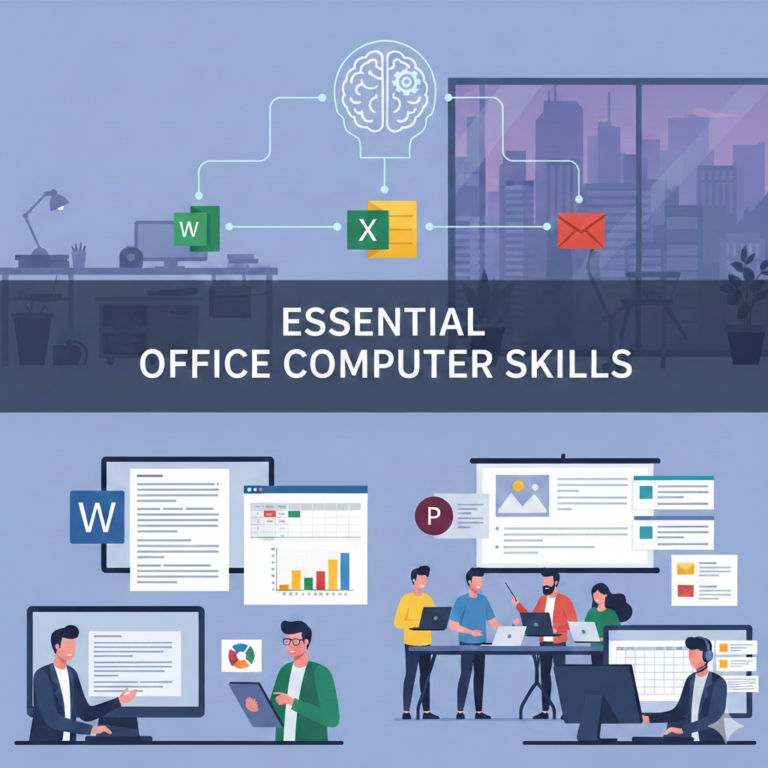
One of the most important parts of Basic IT training is MS Office, as almost every office job requires it.

MS Office Modules:
  • MS Word – Document creation, formatting, resumes, letters

  • MS Excel – Data entry, formulas, tables, charts

  • MS PowerPoint – Professional presentations and slideshows

  • MS Outlook – Email management and scheduling

Strong MS Office skills greatly improve employability and workplace efficiency.

essential office computer skills
Advanced Excel skills


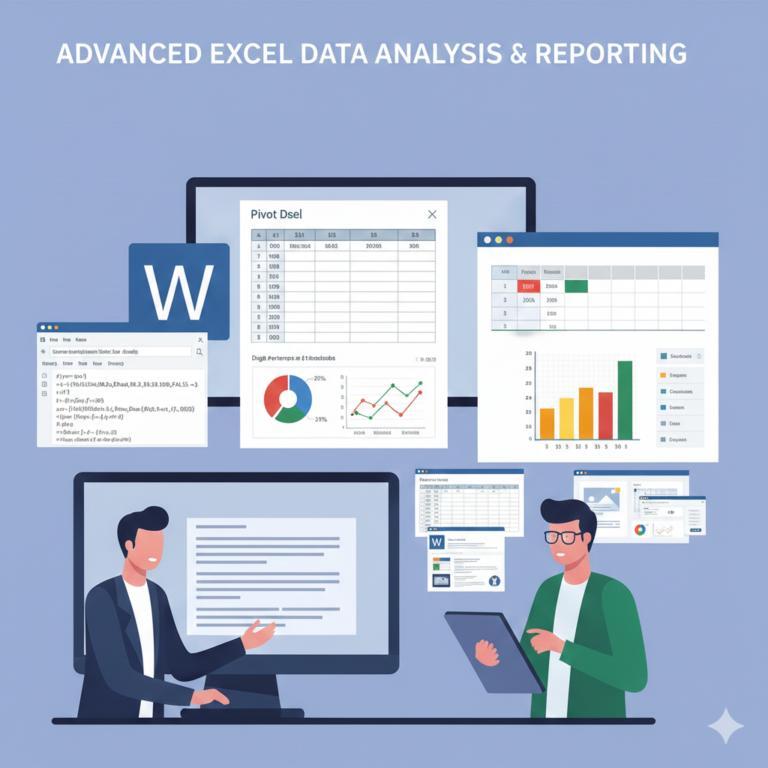
📊 Advanced Excel Course: A High-Demand Skill

Advanced Excel is one of the most in-demand IT skills in today’s job market. It goes beyond basic Excel and focuses on data analysis and automation.

Advanced Excel Skills:
  • Advanced formulas (VLOOKUP, HLOOKUP, IF, COUNTIF)

  • Pivot Tables and Pivot Charts

  • Data validation and conditional formatting

  • Reports and dashboards

Advanced Excel is highly useful for careers in accounts, banking, administration, management, and data analysis.


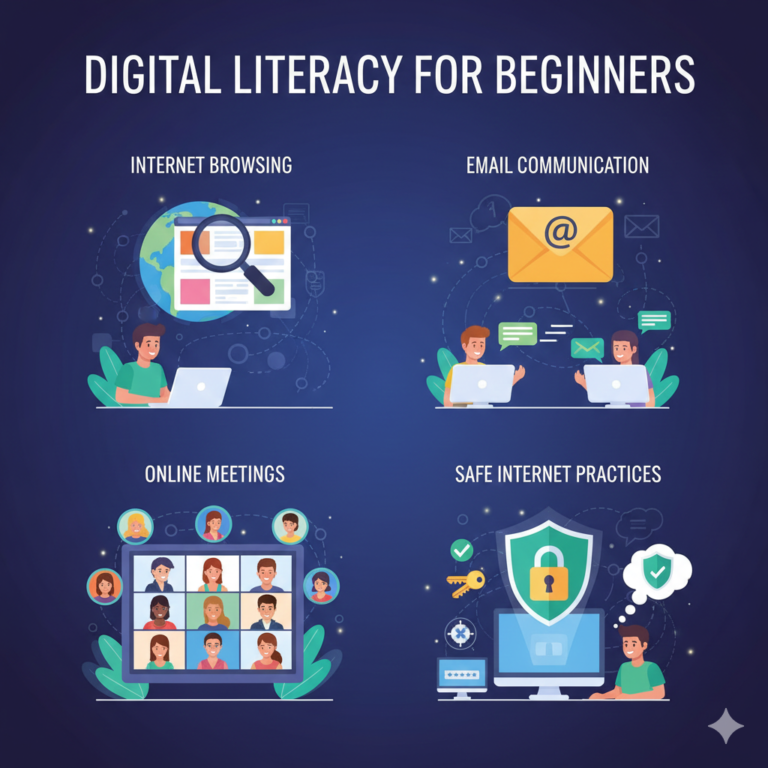
🌐 Internet & Email Training

The Internet and Email are essential tools for communication, learning, and business operations.

Internet & Email Topics:
  • Internet browsing and effective search techniques

  • Creating and managing email accounts

  • Sending emails with attachments

  • Online meetings and communication tools

  • Safe internet practices

These skills are mandatory for office jobs, online education, and remote work.

Typing & Keyboard Skills


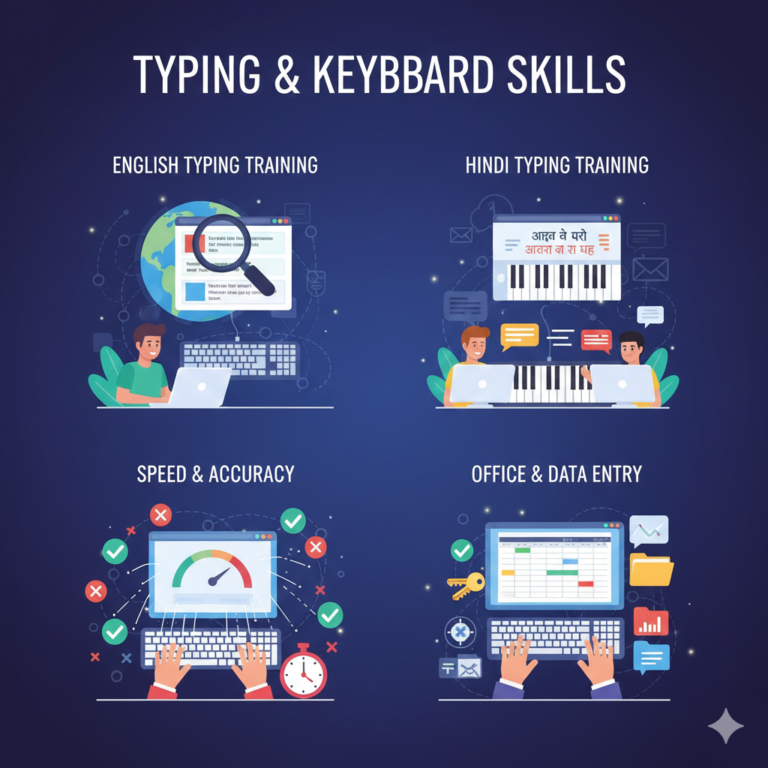
⌨️ Typing Skills & Keyboard Training

Typing speed and accuracy play a crucial role in productivity. Typing training is an important part of Basic IT courses.

Typing Training Includes:
  • English typing

  • Hindi typing

  • Speed and accuracy improvement

  • Keyboard shortcuts

Good typing skills help in data entry jobs, office work, and competitive examinations.

👥 Who Should Do the Computer Fundamentals & Basic IT Course?

This course is ideal for:

  • Students after 10th or 12th

  • College students

  • Job seekers

  • Office staff

  • Business owners

  • Housewives

  • Complete beginners with no computer knowledge

No technical background is required to start this course.

🚀 Career Scope After Basic IT Course

After completing the Computer Fundamentals & Basic IT course, learners can apply for entry-level roles such as:

  • Computer Operator

  • Data Entry Operator

  • Office Assistant

  • Receptionist

  • IT Support Assistant

This course also acts as a foundation for advanced IT courses like programming, web development, data science, and cyber security

⭐ Why Choose a Computer Fundamentals & Basic IT Course?

  • Improves digital confidence

  • Essential for almost all jobs

  • Short-term and affordable

  • Practical and job-oriented

  • Builds a strong IT foundation

In today’s competitive job market, basic IT skills are the first step toward success.

📝 Final Words

The Computer Fundamentals & Basic IT Course is the backbone of modern education and employment. From basic computer knowledge and MS Office to Advanced Excel, Internet, Email, Typing, and Digital Literacy, this course equips learners with essential skills required in every industry.

If you want to start your IT journey or improve your digital skills, Computer Fundamentals & Basic IT training is the best place to begin.

Scroll to Top