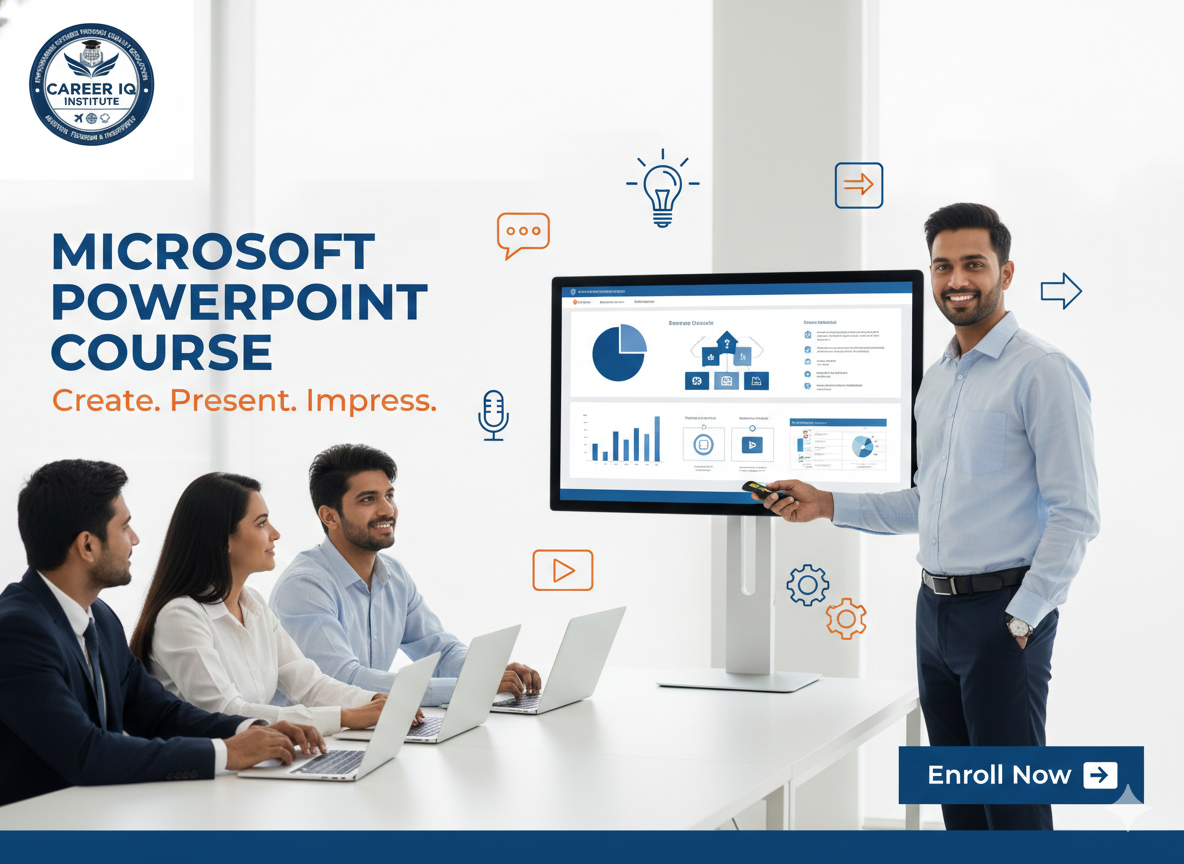
Microsoft PowerPoint Course

This PowerPoint course helps you create professional, visually engaging presentations with confidence. Learn slide design, layouts, charts, animations, and presentation ... Show more
  • Description
  • FAQ
1769886765362.png

The Microsoft PowerPoint Course is designed to help students and professionals create impactful, visually appealing, and well-structured presentations. This course covers both basic and advanced PowerPoint features, enabling learners to present ideas clearly and confidently in academic, corporate, and business environments.

Participants will learn slide creation, text and image formatting, themes and layouts, charts and graphs, SmartArt, animations, transitions, and multimedia integration. The course also focuses on presentation design principles, storytelling techniques, and best practices to create professional-quality slides.

With hands-on practical training and real-time projects, learners gain the skills required to design effective presentations for meetings, seminars, interviews, sales pitches, and classroom use. By the end of the course, students will be able to create polished presentations that communicate ideas effectively and leave a lasting impression.

Who can join the PowerPoint course?
The PowerPoint course is suitable for students, job seekers, working professionals, teachers, and business owners who want to create professional and attractive presentations. No prior experience is required, making it ideal for beginners as well as those who want to improve their presentation skills.
Do I need prior knowledge of PowerPoint?
No prior knowledge is required. The course starts from the basics, such as creating slides and formatting content, and gradually moves to advanced features like animations, slide transitions, and presentation design techniques.
What topics are covered in the PowerPoint course?
The course covers slide creation, text and image formatting, themes and layouts, charts and graphs, SmartArt, animations, transitions, multimedia insertion, presentation tips, and best practices for professional and business presentations.
Is the course practical or theoretical?
The PowerPoint course is mainly practical, with hands-on training. Learners will work on real-time presentation projects, business slides, and creative templates to build confidence and practical skills.
How will this PowerPoint course help in my career?
PowerPoint skills are essential in corporate offices, education, sales, marketing, and management roles. This course helps you create impactful presentations, improve communication skills, and present ideas confidently in meetings, interviews, and client presentations.
Will I receive a certificate after completing the course?
Yes, students will receive a course completion certificate after successfully finishing the PowerPoint course, which can be added to resumes and professional profiles.
Is placement support available after this course?
Yes, placement support is provided, including resume preparation, interview guidance, and job assistance based on your skills and performance.
Is the PowerPoint course available online?
Yes, the course is available in both online and offline modes, allowing learners to choose a flexible learning option according to their needs.
Course details
Level Beginner
Basic info

Duration: 1 Month / 2 Months / 3 Months
Mode: Offline / Online
Eligibility: 10th / 12th Pass (Any Stream) / Working Professionals
Level: Beginner • Intermediate • Advanced
Language: English / Hindi
Training Type: Practical + Theory
Placement Support: Yes

Course requirements

Basic computer knowledge

Interest in creating presentations and visual content

  • Willingness to learn design and presentation skills

  • No prior PowerPoint experience required

  • Suitable for students, job seekers, teachers, and working professionals

Scroll to Top